16 free templates
ATS-Friendly Resume Templates
Applicant tracking systems read your resume before a recruiter does. They work best with a single column, standard section headings and text that is real, selectable text rather than part of an image.
These templates are built that way. Each one keeps your experience in a clear top-to-bottom reading order, uses familiar headings such as Experience, Education and Skills, and exports to PDF or Word with every word intact.
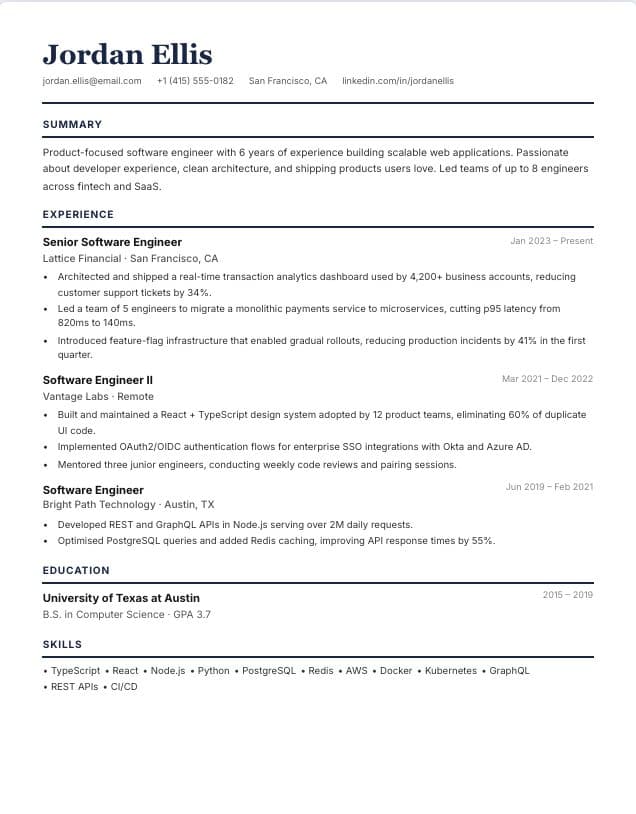 Use template
Classic
Single-column · classic
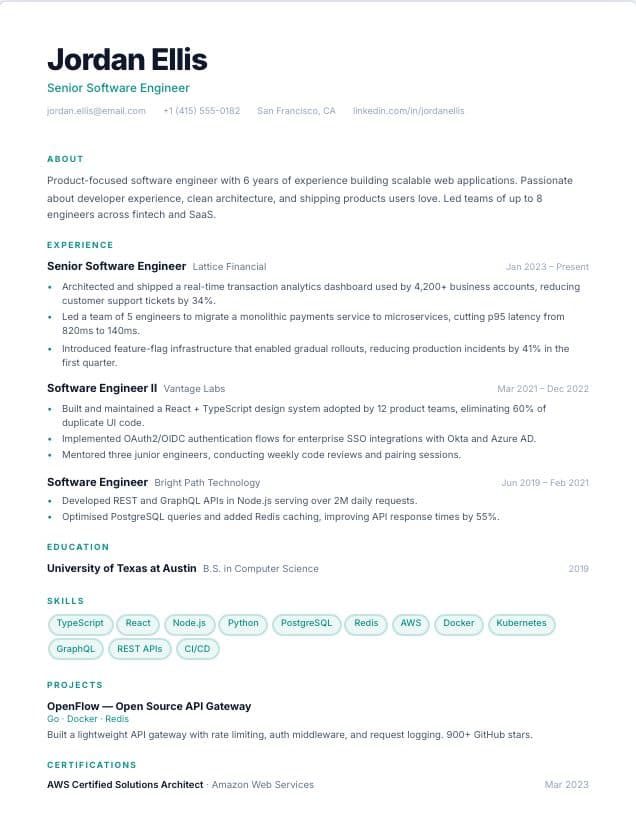 Use template
Minimal
Single-column · minimal
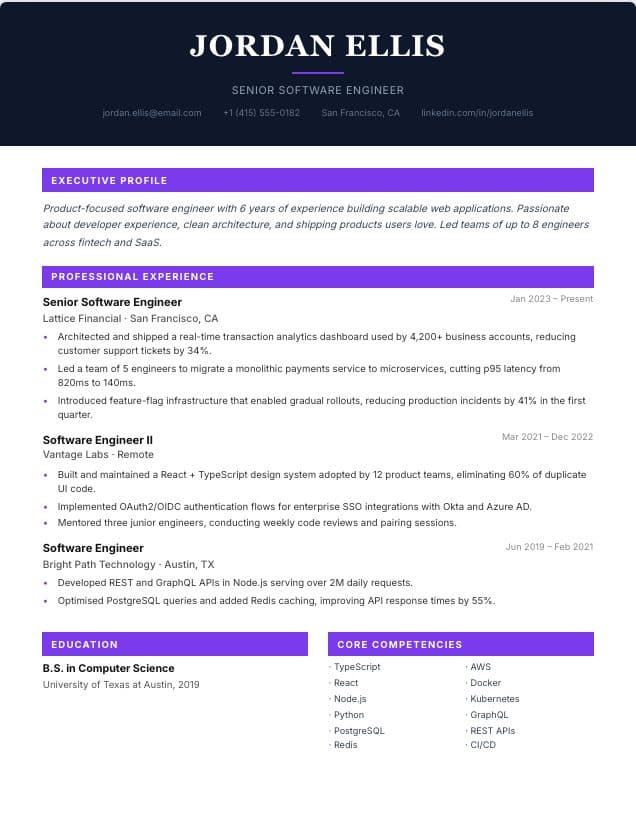 Use template
Executive
Single-column · executive
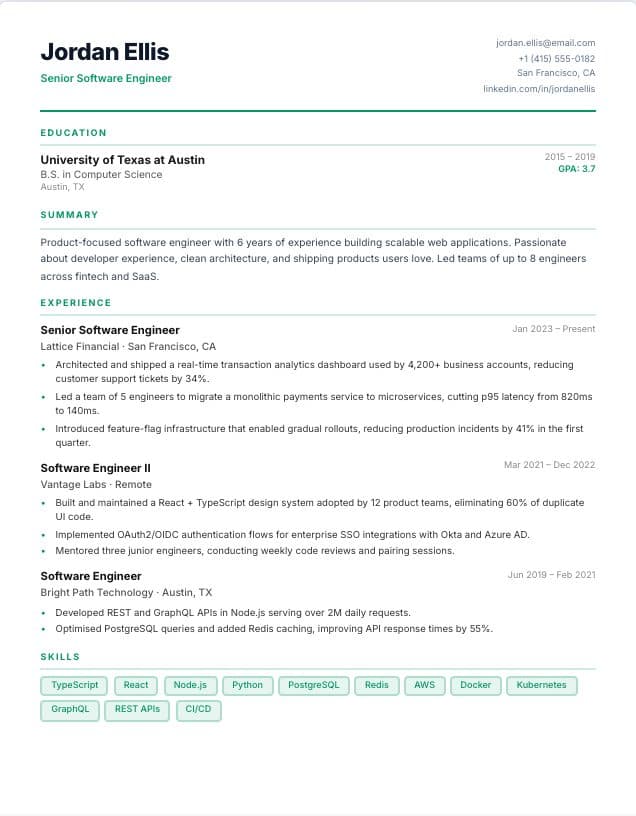 Use template
Graduate
Single-column · graduate
 Use template
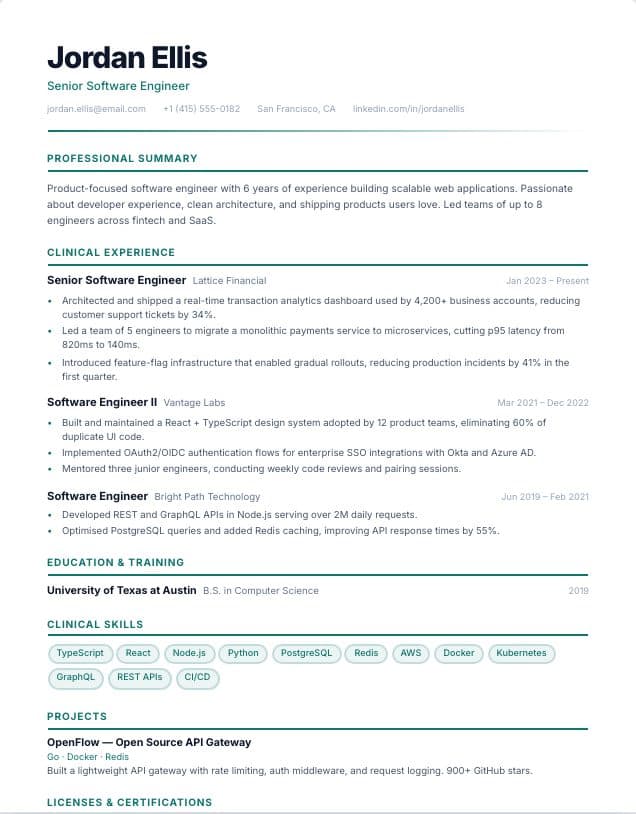
Healthcare
Single-column · Healthcare
 Use template
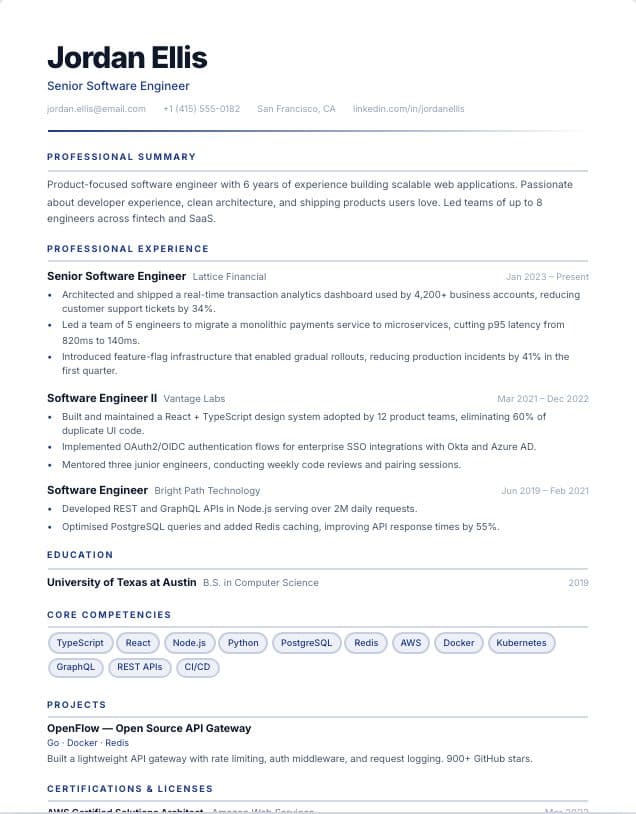
Finance
Single-column · Finance
 Use template
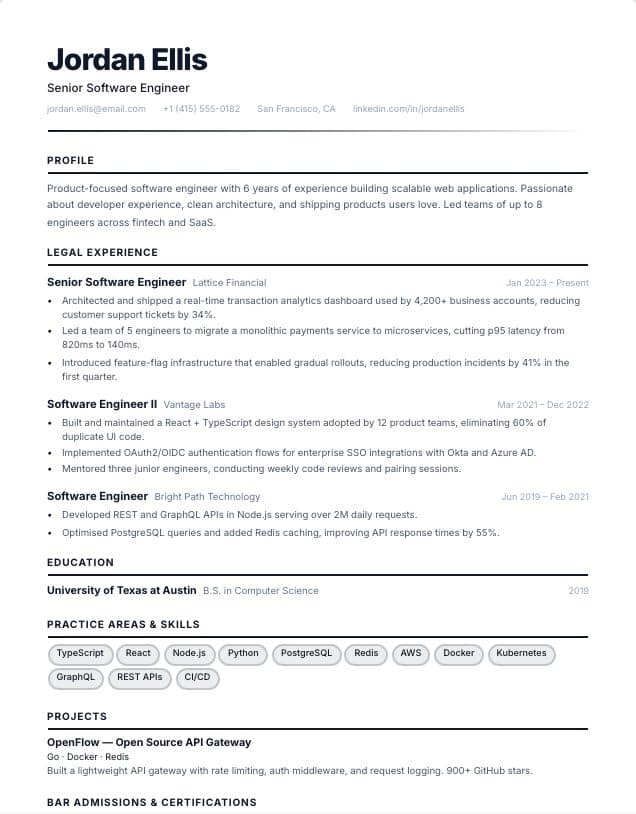
Legal
Single-column · Legal
 Use template
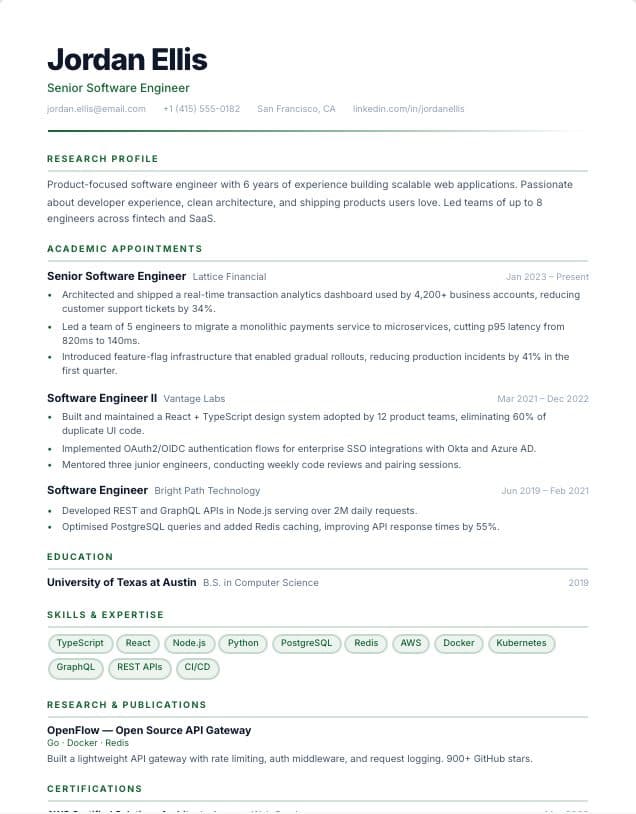
Academic
Single-column · Academic
 Use template
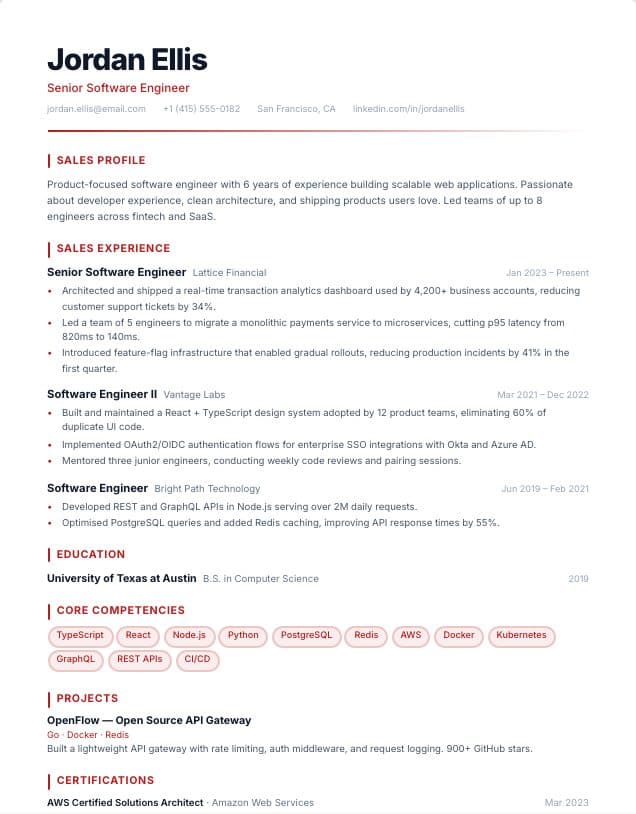
Sales
Single-column · Sales
 Use template
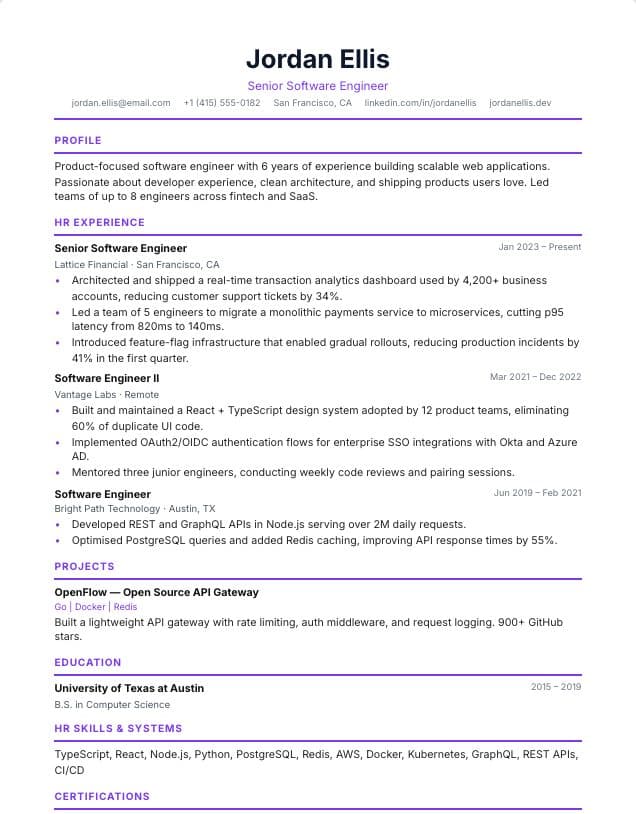
HR & People
Single-column · HR & recruiting
 Use template
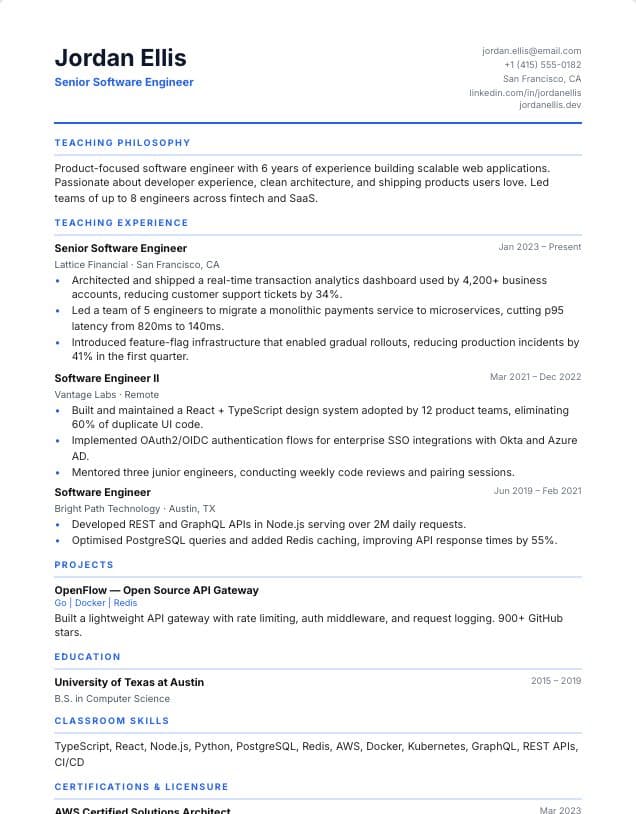
Teacher
Single-column · Education
 Use template
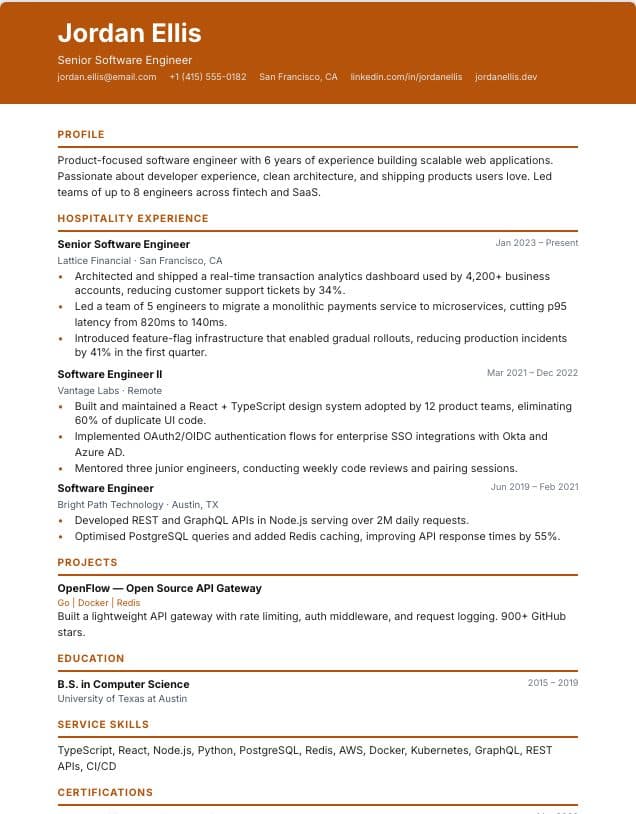
Hospitality
Single-column · Hospitality & retail
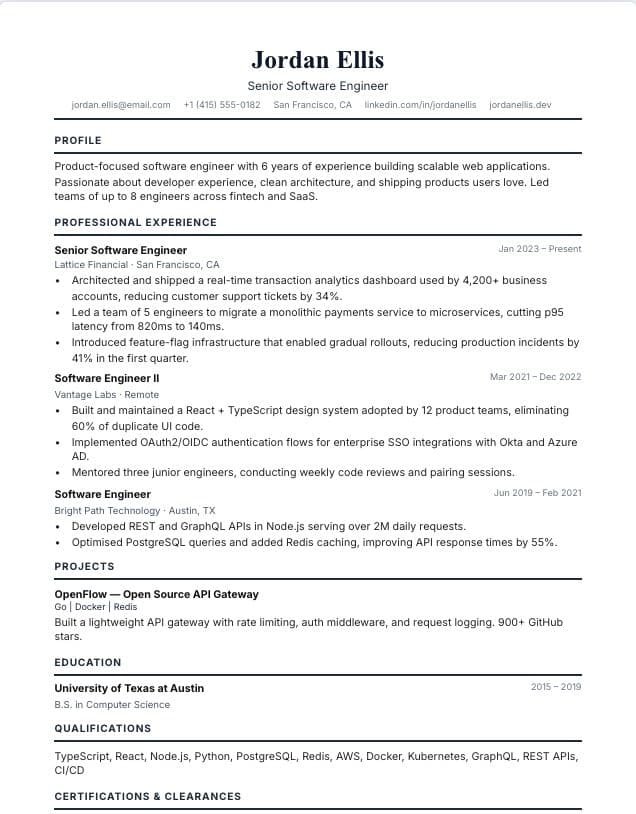 Use template
Government
Single-column · Public service
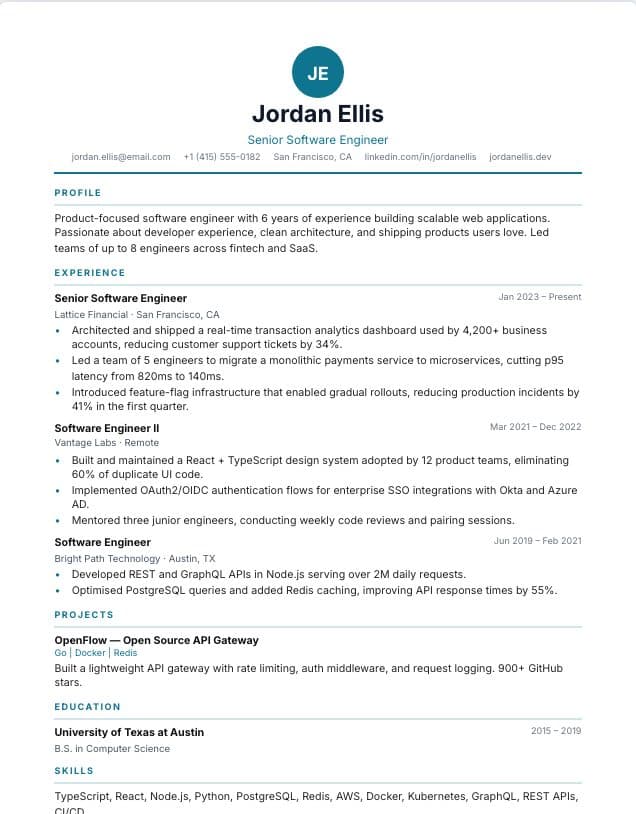 Use template
Monogram
Single-column · spec
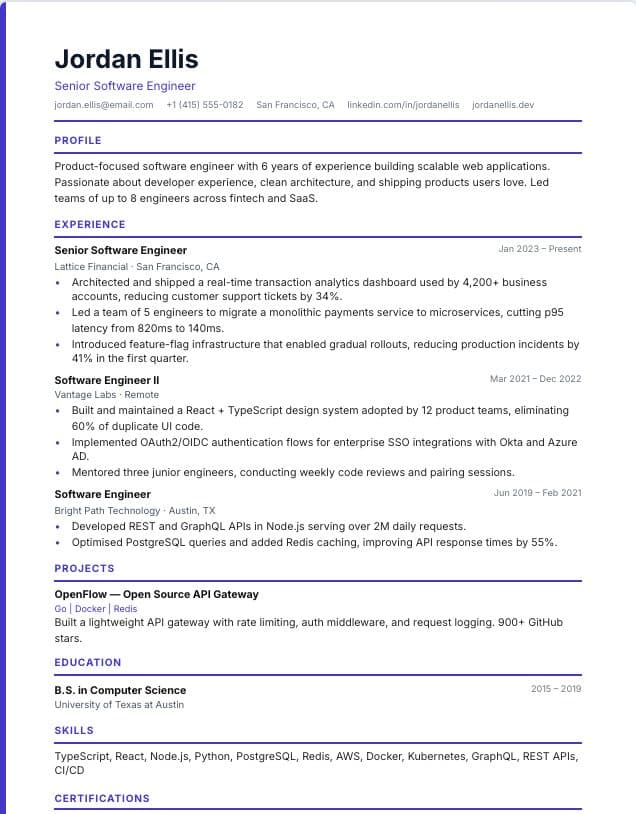 Use template
Accent Line
Single-column · spec
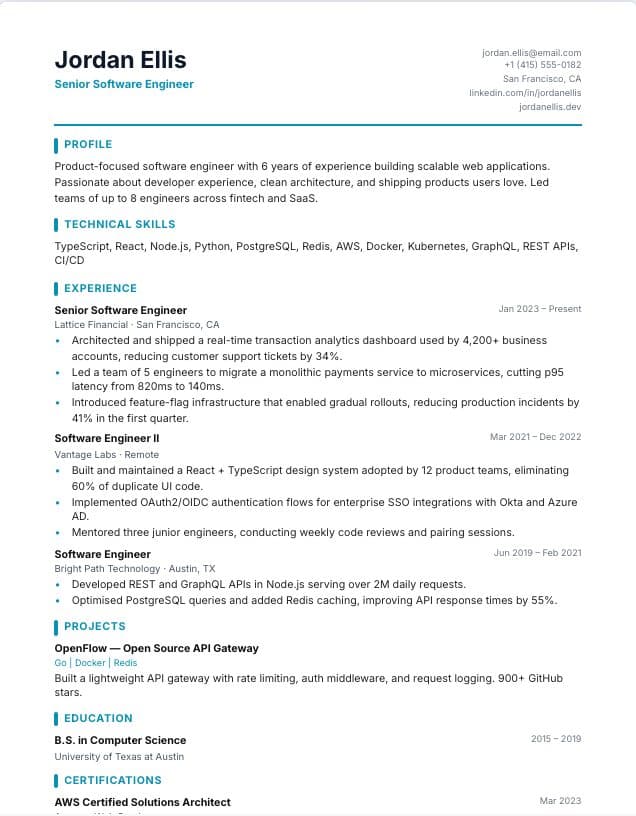 Use template
Developer
Single-column · Technology
Tips for using these templates
- Use standard section names. "Work Experience" is filed correctly; a creative heading may not be.
- Keep contact details in the body of the page, not in a header or footer.
- Mirror the exact skill and tool names from the job posting wherever they truthfully apply.
- Run the free ATS checker on your finished resume to see the text a parser extracts.
Check your resume before you apply
Upload your finished resume to the free ATS checker to see what applicant tracking systems read and which issues to fix first. It works in any language.
How ATS-friendly templates differ from other designs
An applicant tracking system turns your resume into fields such as job titles, employers, dates and skills. Layout choices that look fine to a person can confuse that step: text inside images is invisible, columns can be read across instead of down, and a heading like "My journey" may not be recognised as work experience.
The templates on this page avoid those risks by design. Each one uses a single reading order, conventional headings, real text and consistent date formats, while still looking modern. That makes them the safest choice for large job portals, government applications and any employer you know screens applications with software.
An ATS-friendly design is only half the work. The words matter too: recruiters search for the skills, tools and job titles named in the posting, so mirror that language wherever it truthfully describes your experience.
Frequently asked questions
- What makes a resume template ATS-friendly?
- A single-column layout, standard section headings, real text instead of images and a simple, consistent format. That lets applicant tracking systems extract your details into the right fields.
- Are two-column resumes bad for ATS?
- Not always, but some systems read columns in the wrong order. When you apply through a large job portal, a single-column template like the ones on this page is the safest choice.
- How can I check whether my resume is ATS-friendly?
- Upload it to our free ATS resume checker. It shows the text a parser extracts and flags layout, section and wording issues to fix.
Were these templates helpful?
Your rating helps us improve this page.