25 free templates
Resume Templates for Microsoft Word
Every template here downloads as an editable Word (DOCX) file, so you can keep working on your resume in Microsoft Word, LibreOffice or any editor that opens DOCX files.
Build and edit your resume online first, where switching designs never means retyping, then download the Word version or a PDF when you are ready to apply.
 Use template
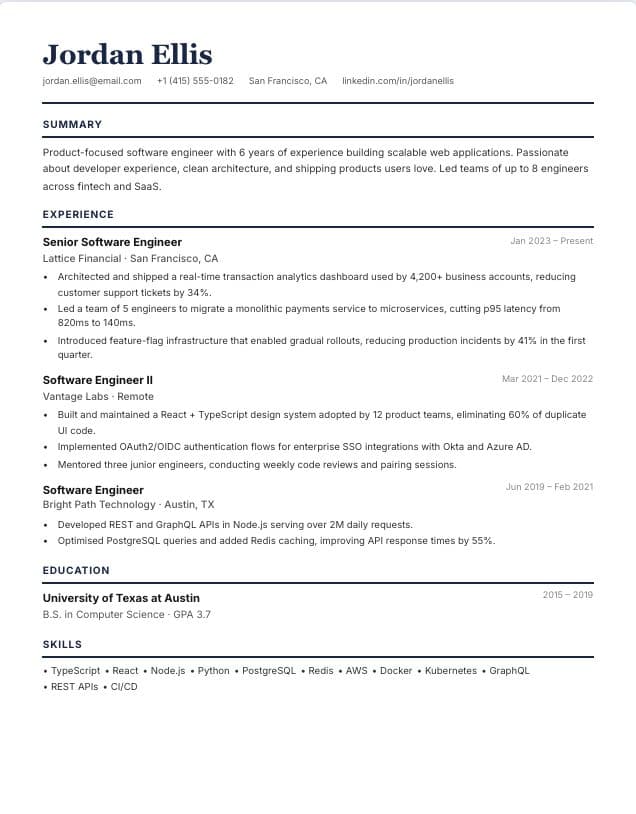
Classic
Single-column · classic
 Use template
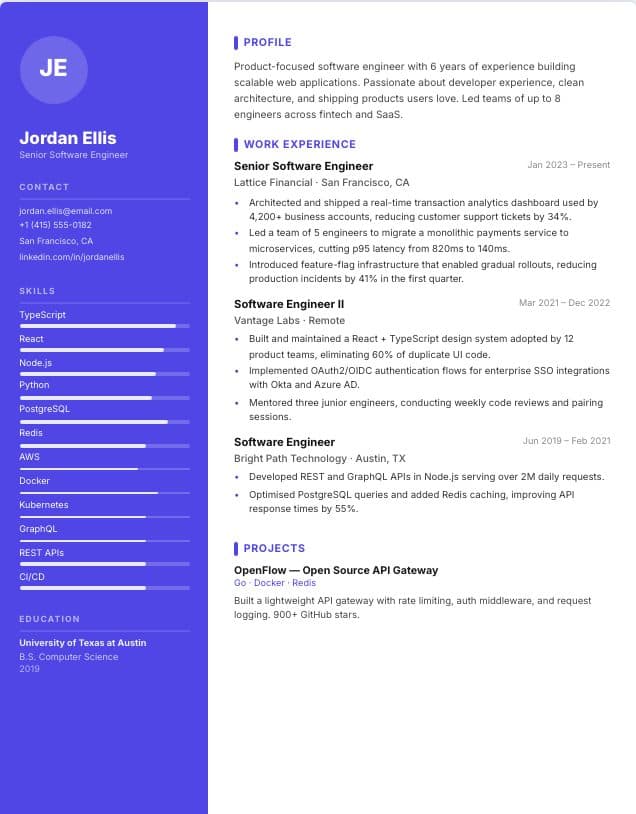
Modern
Two-column · modern
 Use template
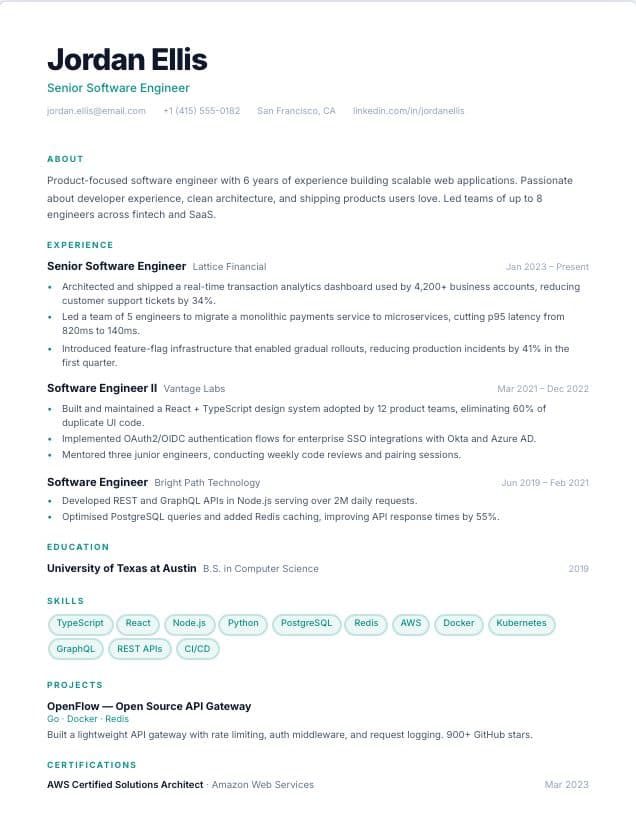
Minimal
Single-column · minimal
 Use template
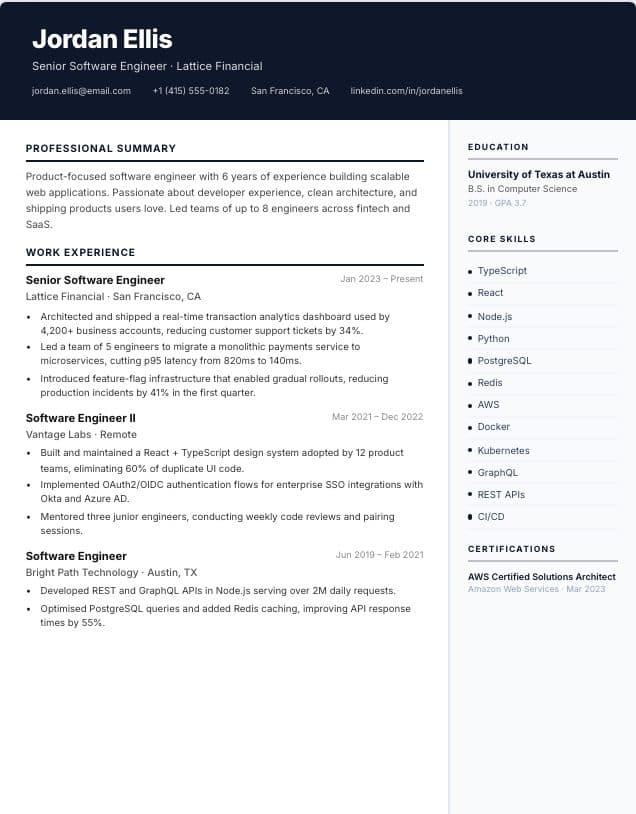
Professional
Two-column · professional
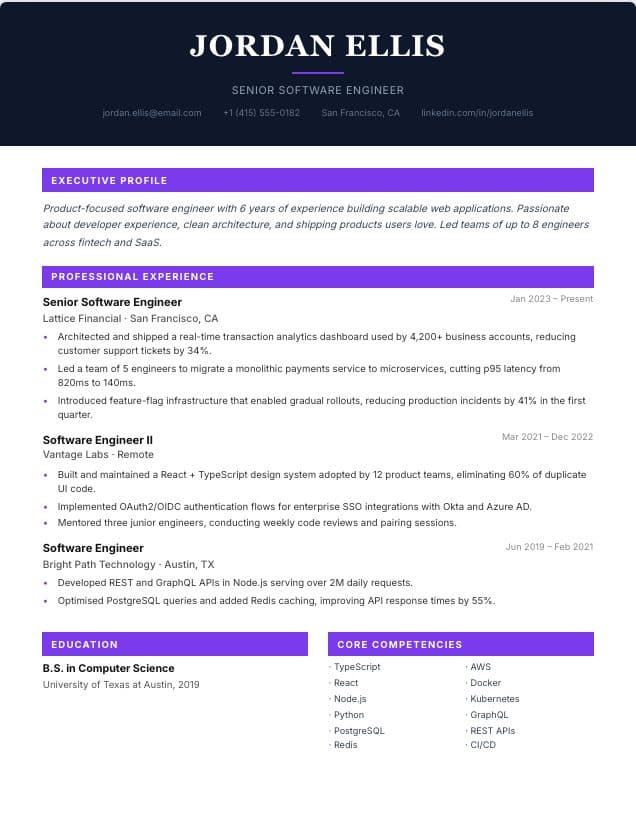 Use template
Executive
Single-column · executive
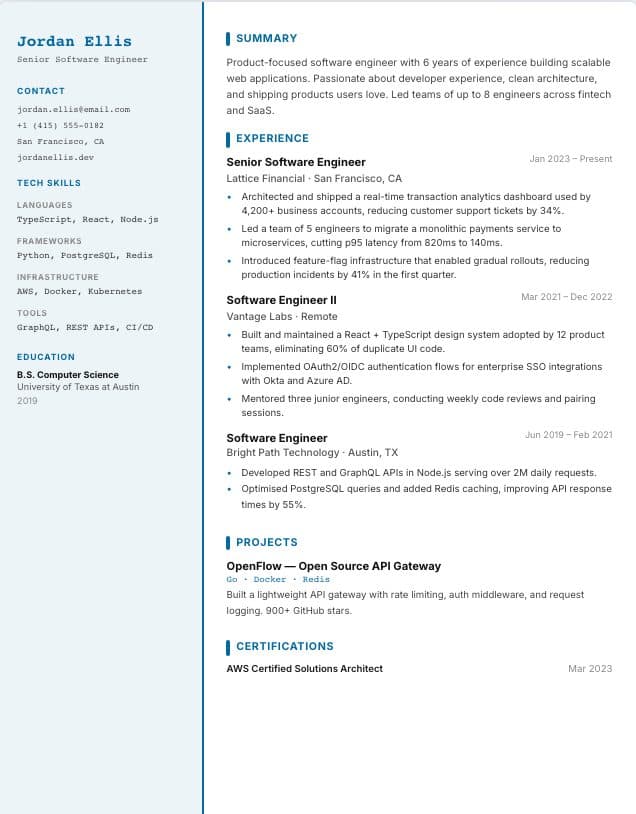 Use template
Technical
Two-column · technical
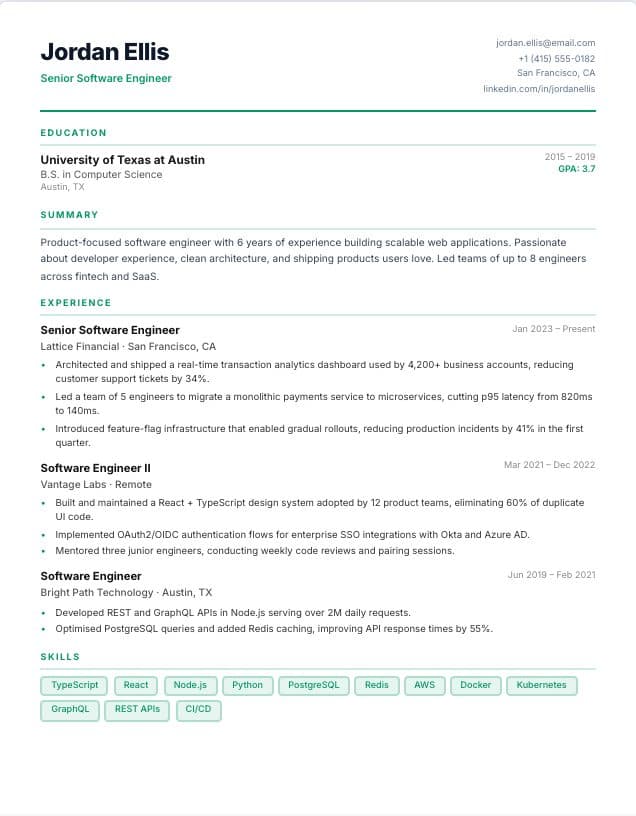 Use template
Graduate
Single-column · graduate
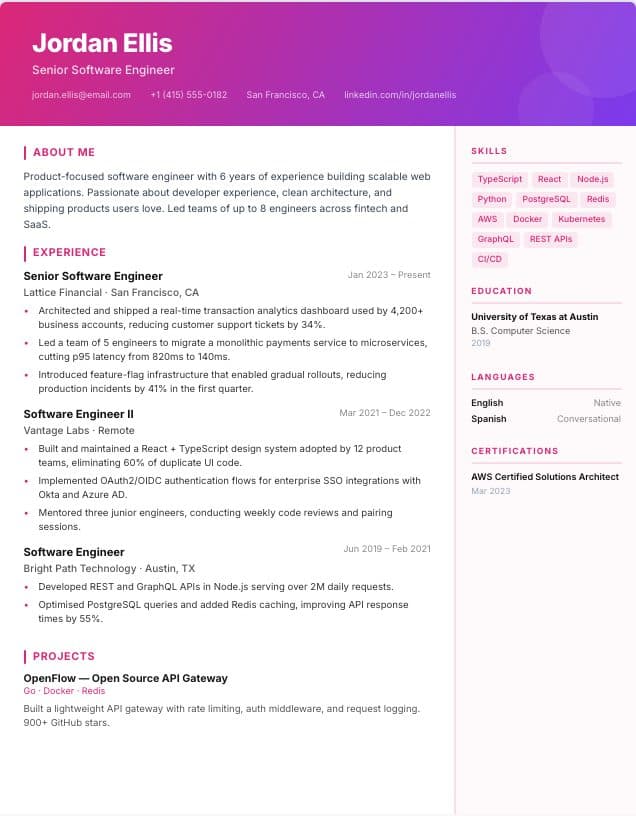 Use template
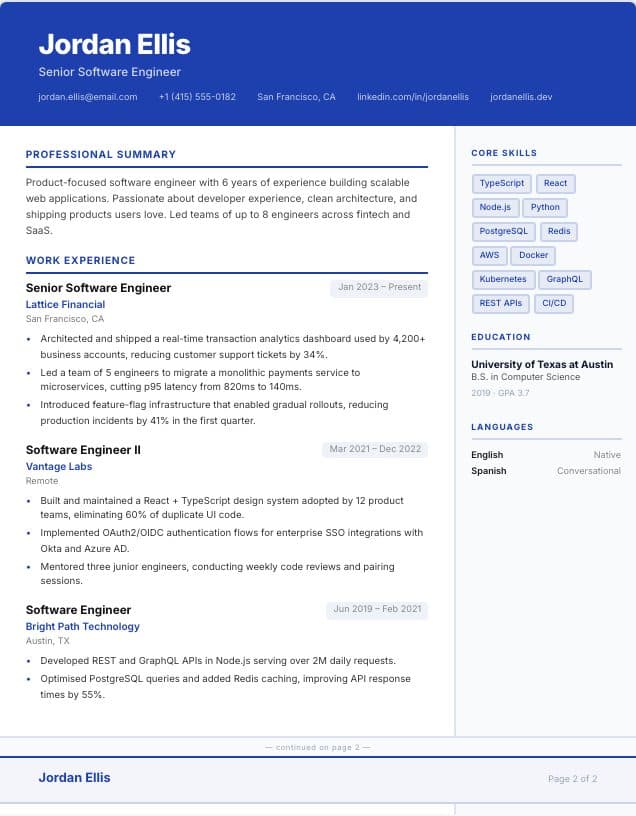
Creative
Two-column · creative
 Use template
Comprehensive
Two-column · comprehensive · 2 pages
 Use template
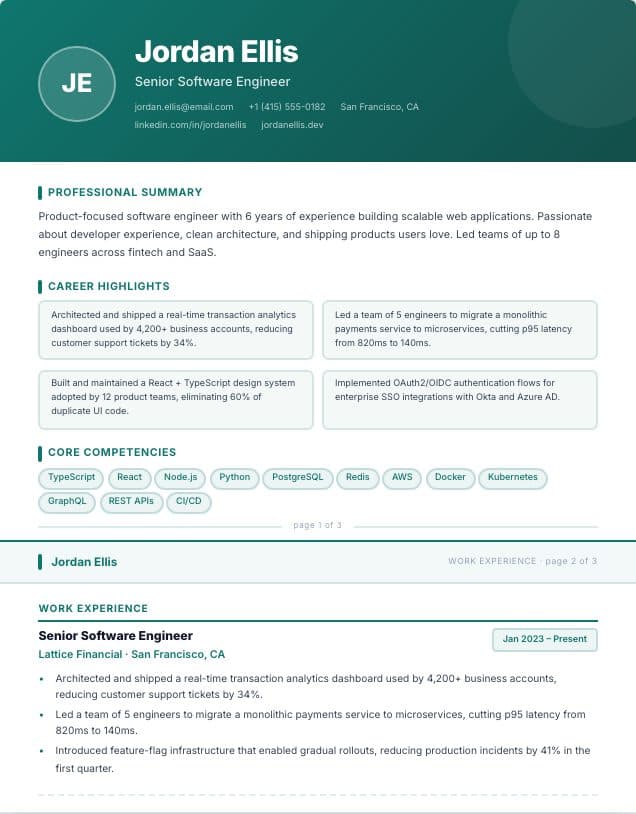
Portfolio
Single-column · portfolio · 3 pages
 Use template
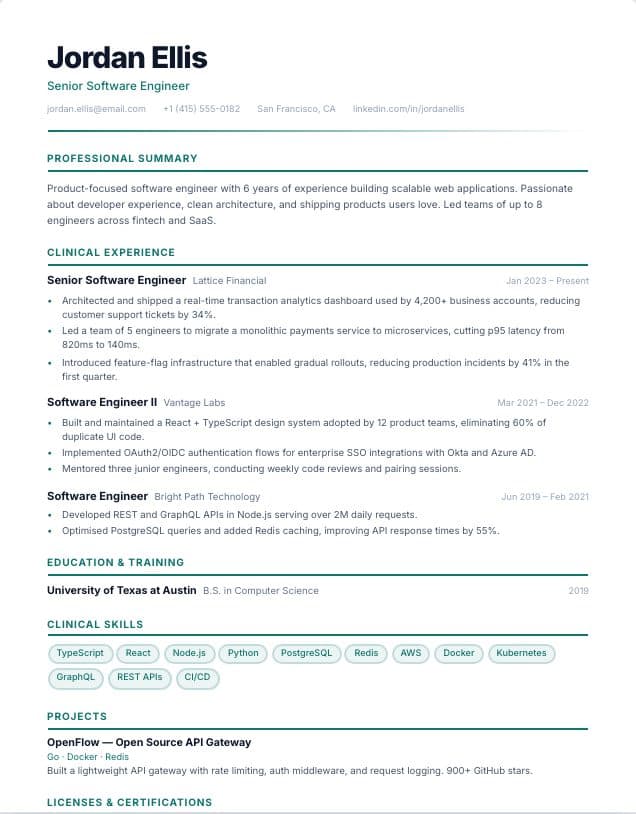
Healthcare
Single-column · Healthcare
 Use template
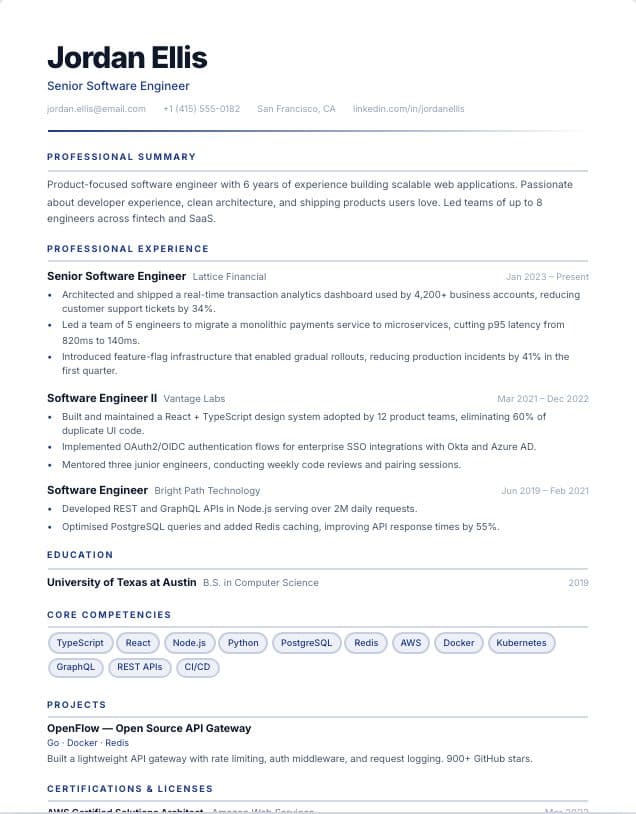
Finance
Single-column · Finance
 Use template
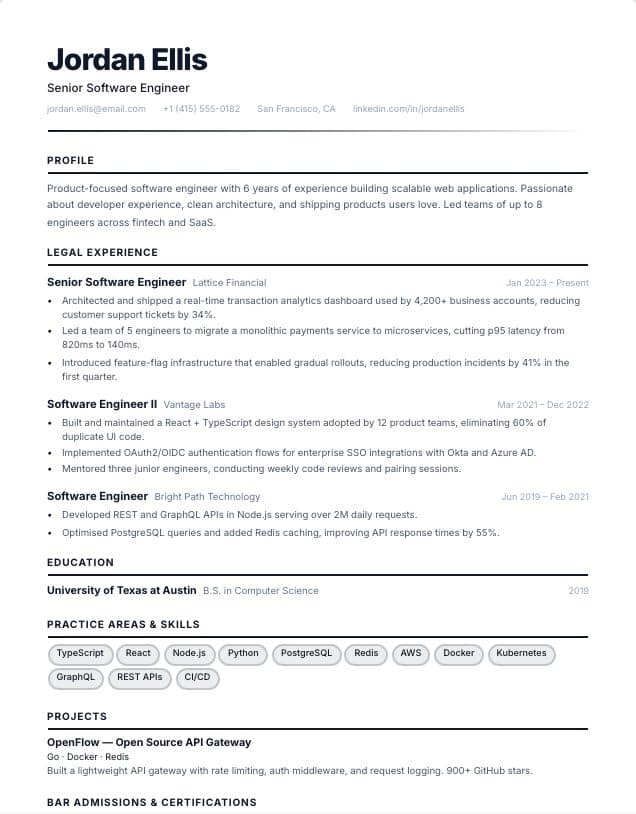
Legal
Single-column · Legal
 Use template
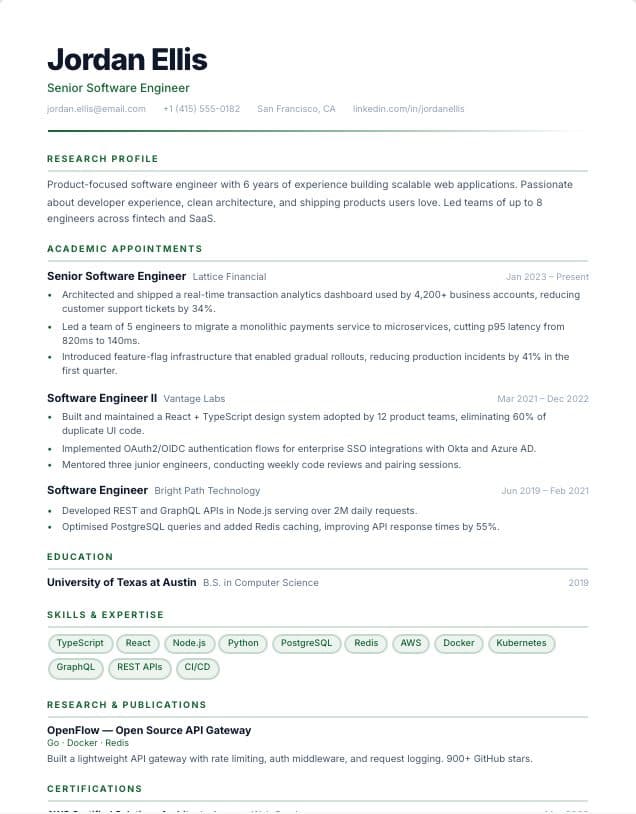
Academic
Single-column · Academic
 Use template
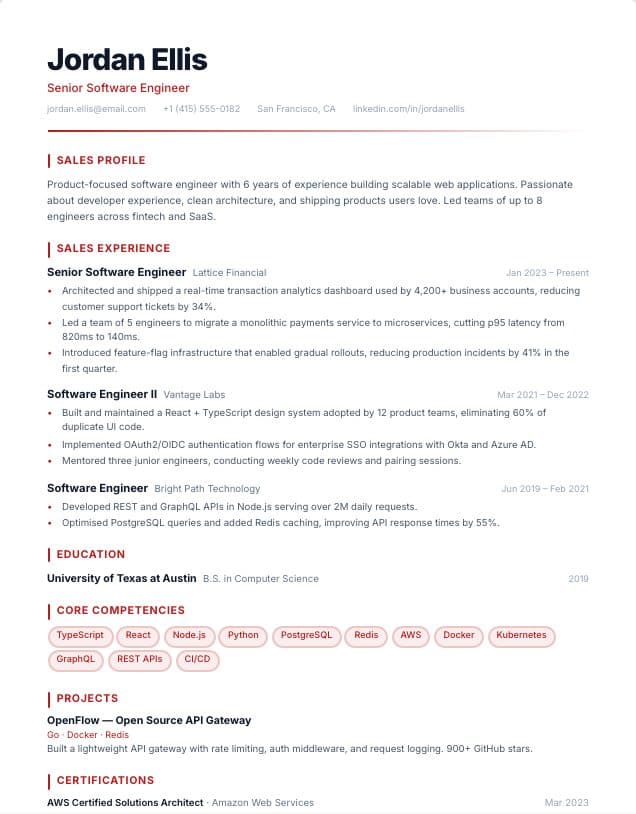
Sales
Single-column · Sales
 Use template
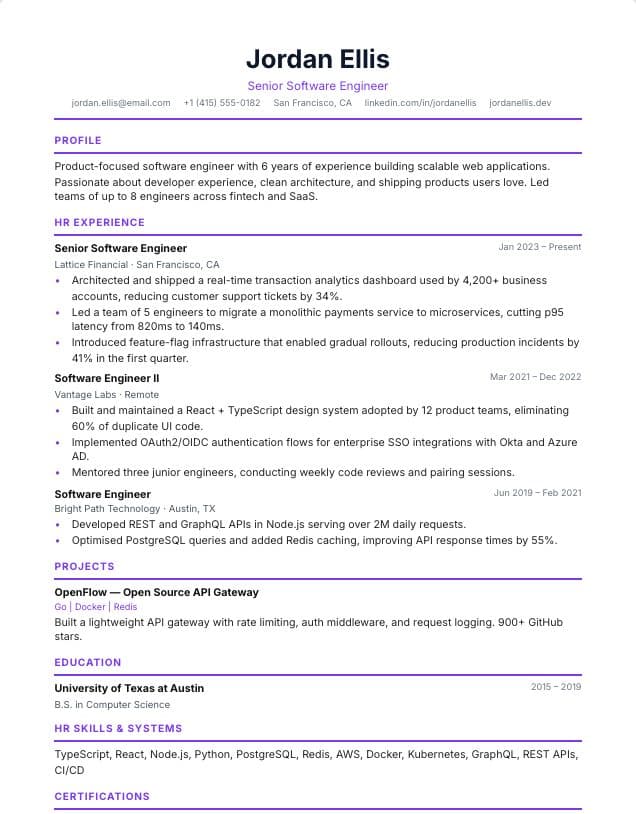
HR & People
Single-column · HR & recruiting
 Use template
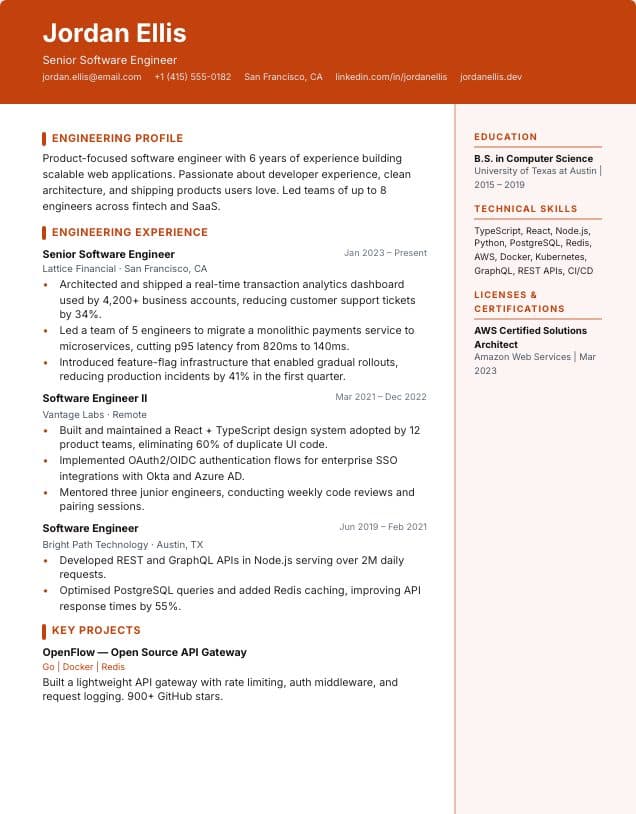
Engineering
Two-column · Engineering & trades
 Use template
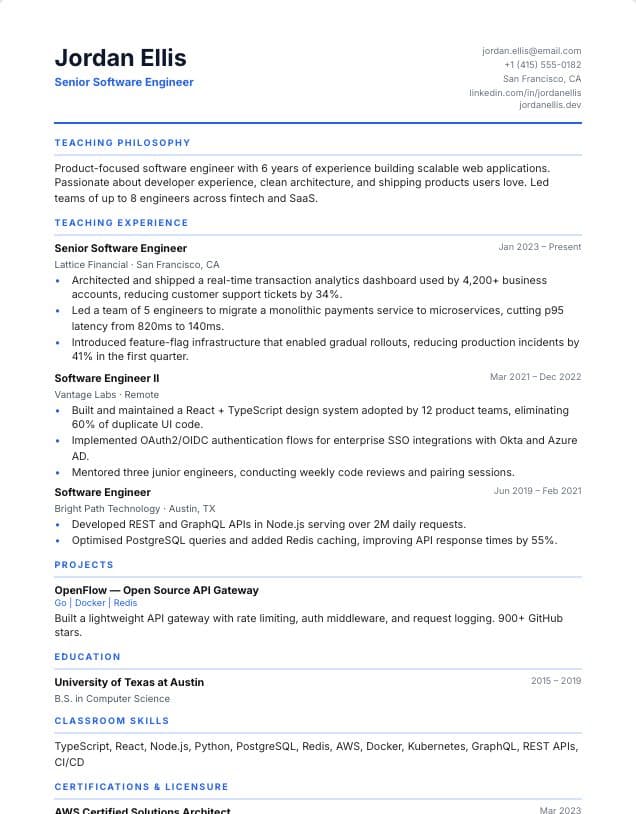
Teacher
Single-column · Education
 Use template
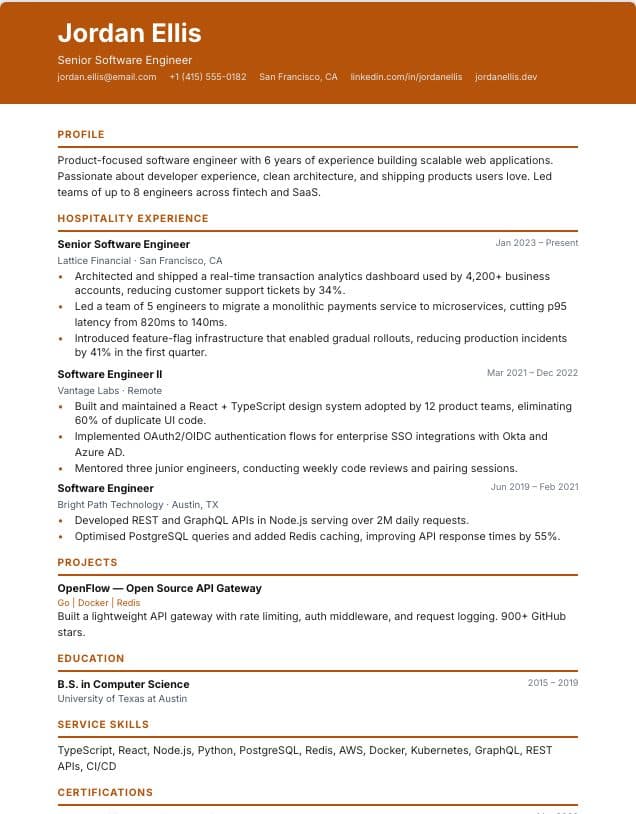
Hospitality
Single-column · Hospitality & retail
 Use template
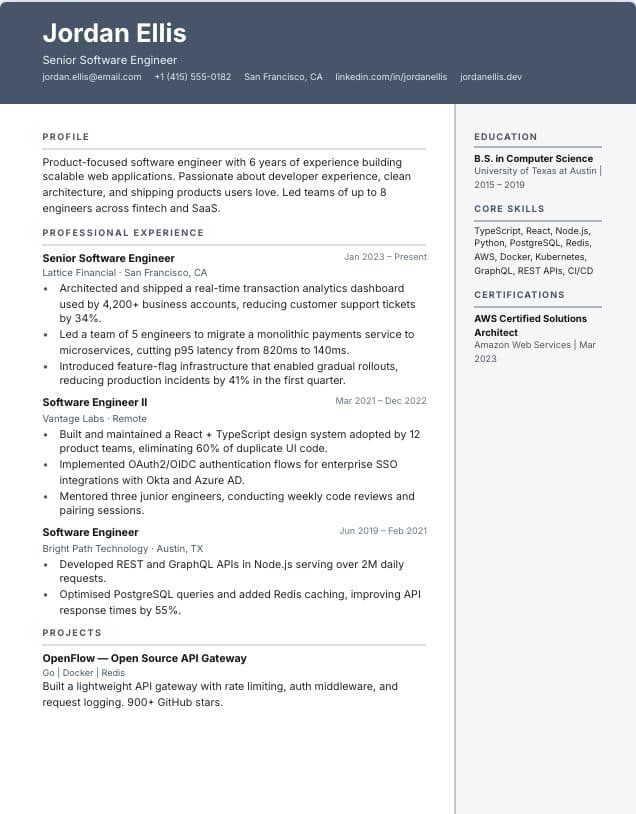
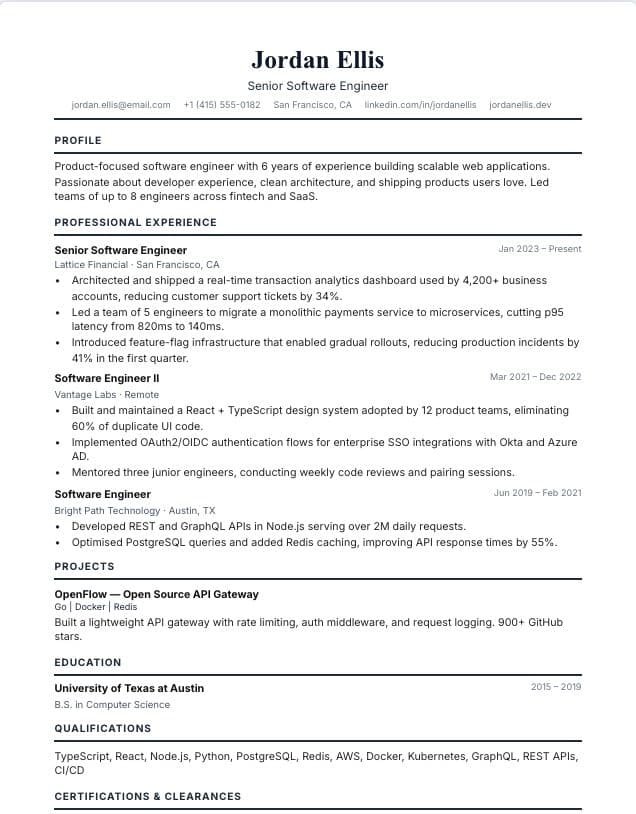
Administrative
Two-column · Operations & admin
 Use template
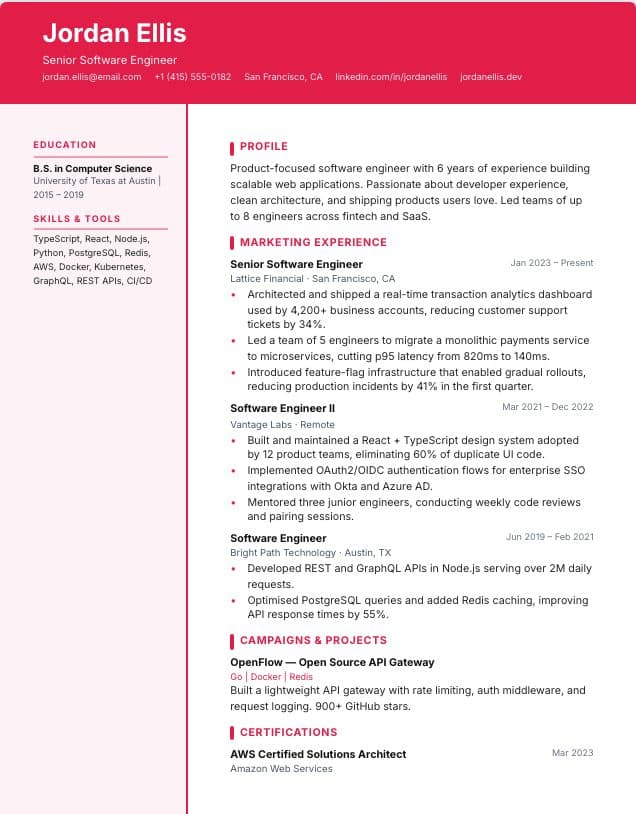
Government
Single-column · Public service
 Use template
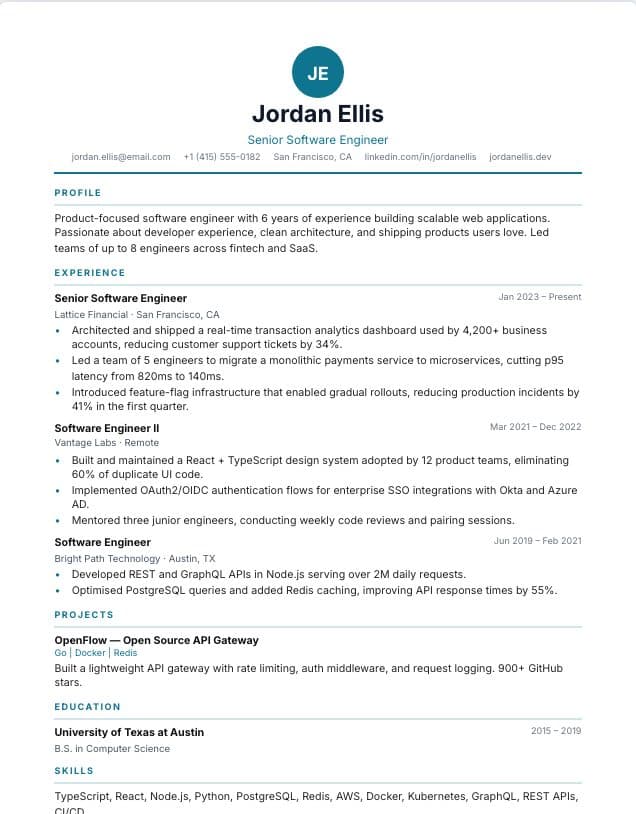
Marketing
Two-column · Marketing
 Use template
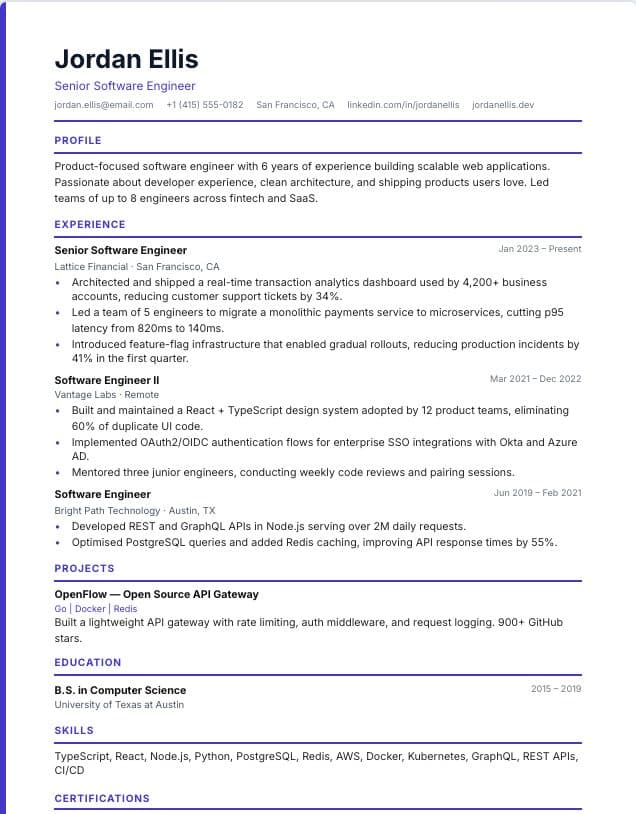
Monogram
Single-column · spec
 Use template
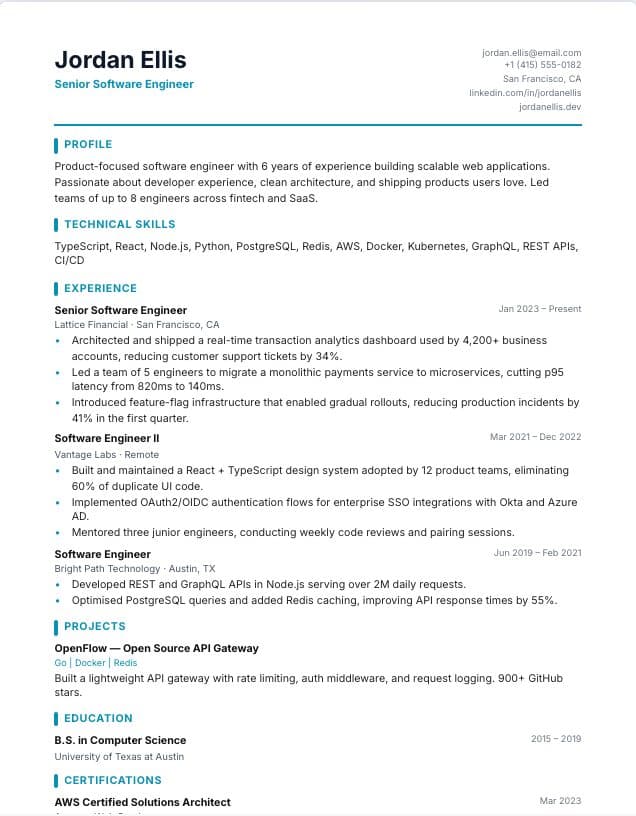
Accent Line
Single-column · spec
 Use template
Developer
Single-column · Technology
Tips for using these templates
- Send a PDF unless the employer asks for Word; PDF keeps your layout identical on every screen.
- Keep a Word copy to tailor quickly for each application.
- Name your file clearly, for example FirstName-LastName-Resume.docx.
Check your resume before you apply
Upload your finished resume to the free ATS checker to see what applicant tracking systems read and which issues to fix first. It works in any language.
Building online versus editing in Word
Starting from a blank Word document means fighting with margins, tabs and bullet alignment. Building your resume online first avoids that: the layout is handled for you, a live preview shows how it will look, and you can switch designs without reformatting anything.
When you are done, download the DOCX file to keep editing in Microsoft Word, LibreOffice or Google Docs, or download a PDF to send. Many people keep both: a Word copy for quick tailoring and a PDF for applications.
Whichever format you send, check it once more before applying. Open the file, confirm that every section looks right, and make sure the file name includes your name.
Frequently asked questions
- Can I download these resume templates in Word format?
- Yes. Every template downloads as an editable DOCX file that opens in Microsoft Word, as well as a PDF.
- Should I send my resume as Word or PDF?
- PDF is usually best because it looks the same everywhere. Send Word when the job posting or recruiter asks for it.
- Are Word resume templates ATS-friendly?
- Yes. The DOCX files contain real text and standard headings that applicant tracking systems can read.
Were these templates helpful?
Your rating helps us improve this page.