8 free templates
Professional Resume Templates
Professional templates use a traditional structure, conservative fonts and clearly separated sections. They signal reliability and attention to detail, which matters in corporate, finance, legal and public-sector hiring.
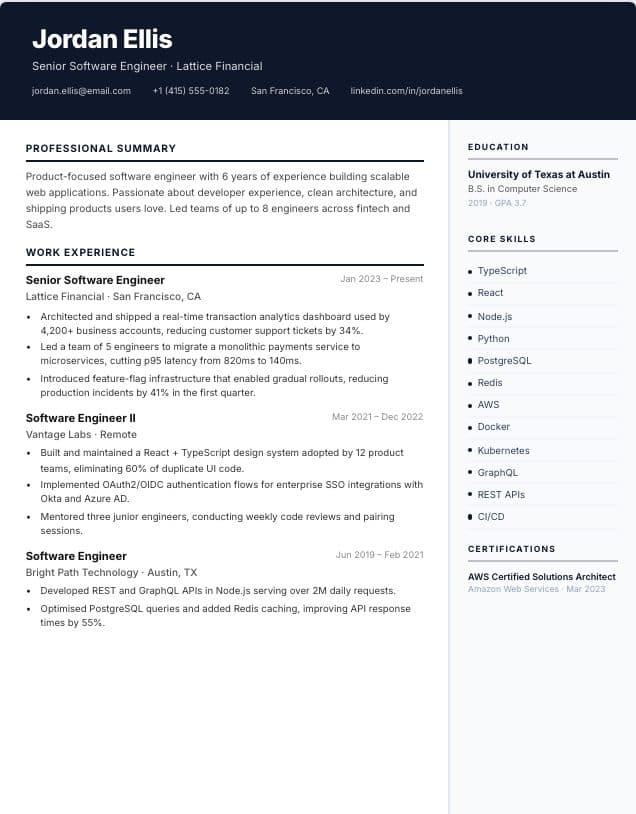
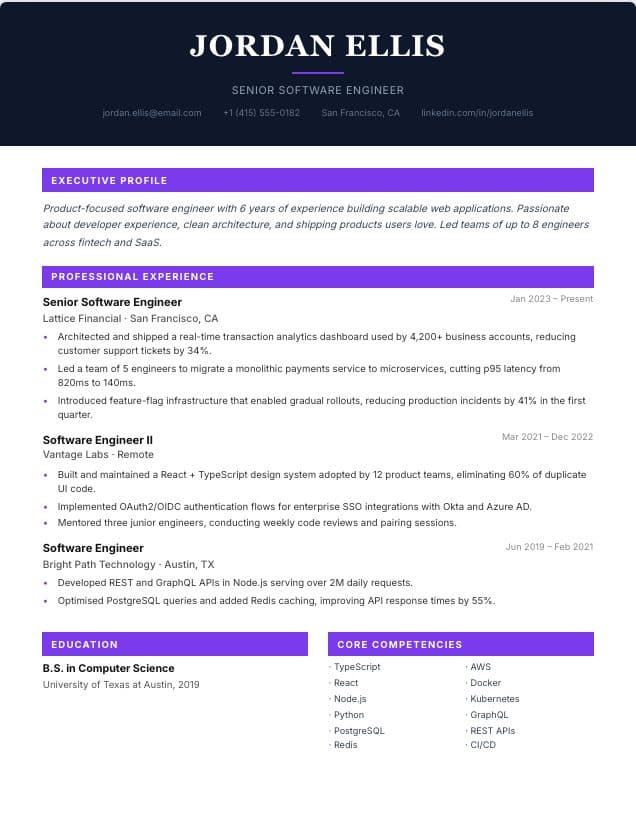
Choose a single-column design for online applications, or a design with a sidebar when you want skills and credentials to stand out on a printed or emailed resume.
 Use template
Professional
Two-column · professional
 Use template
Executive
Single-column · executive
 Use template
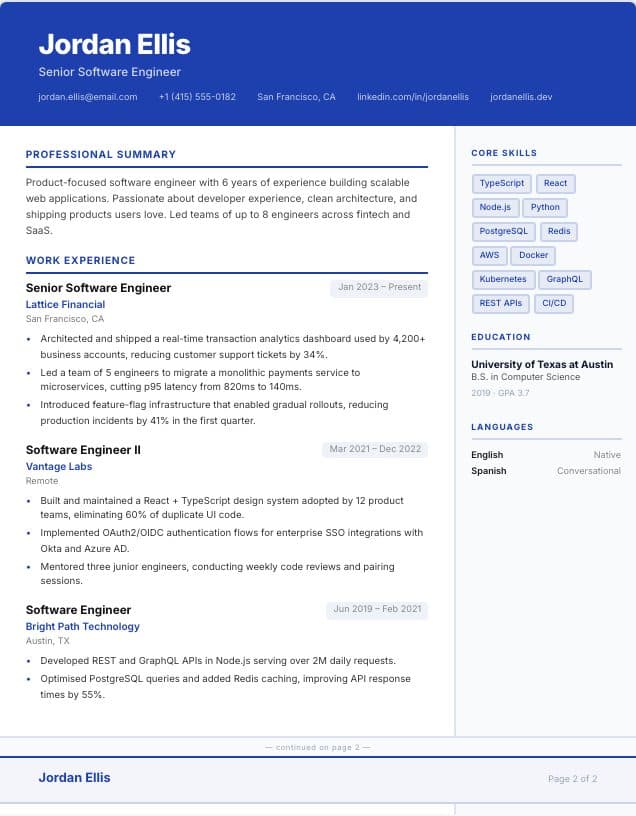
Comprehensive
Two-column · comprehensive · 2 pages
 Use template
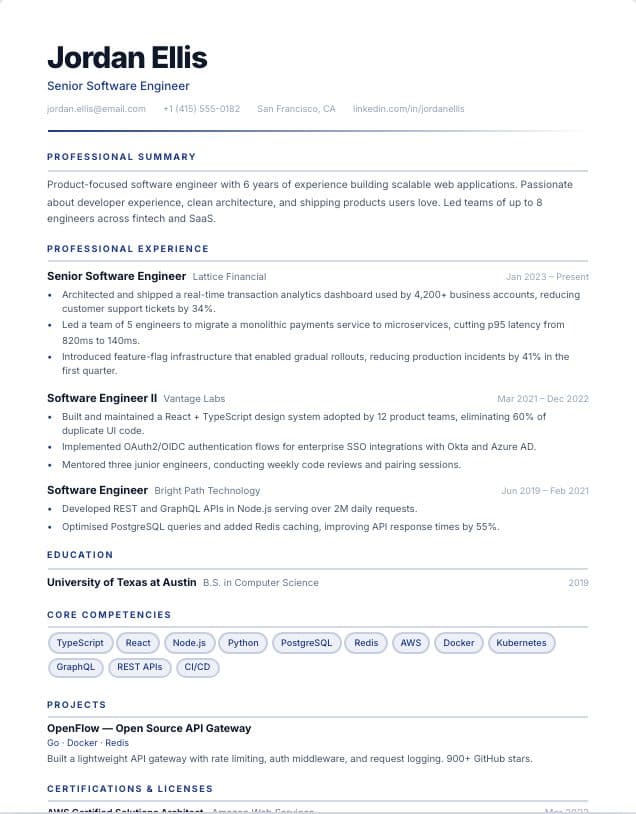
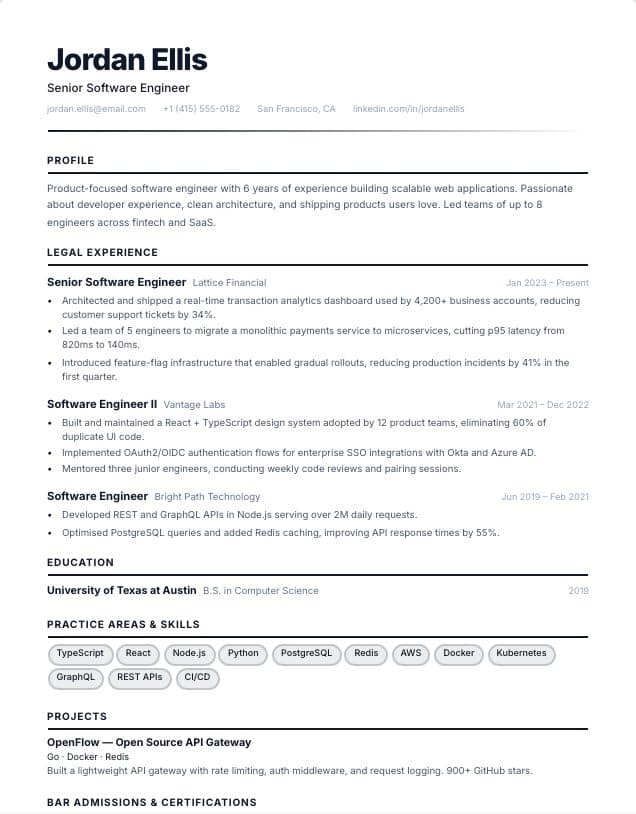
Finance
Single-column · Finance
 Use template
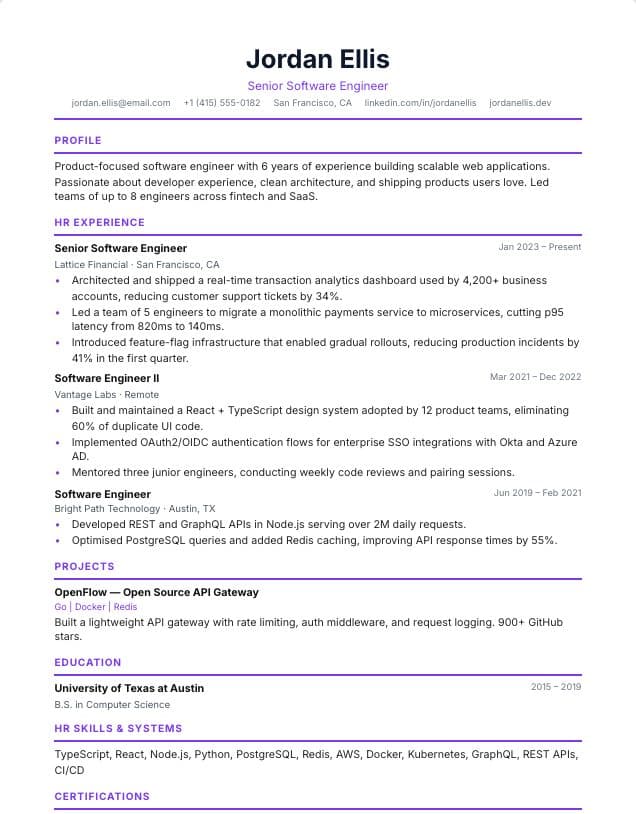
Legal
Single-column · Legal
 Use template
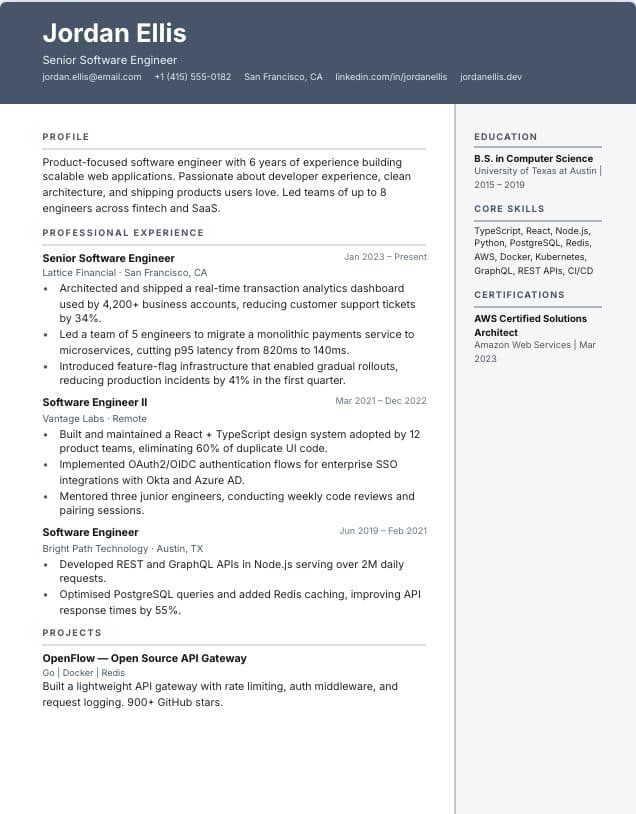
HR & People
Single-column · HR & recruiting
 Use template
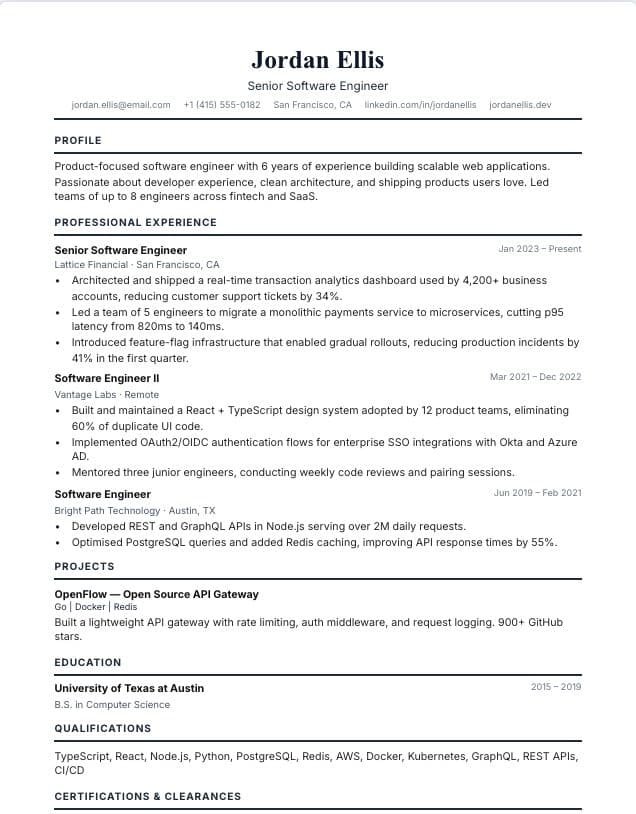
Administrative
Two-column · Operations & admin
 Use template
Government
Single-column · Public service
Tips for using these templates
- Quantify results: revenue, savings, team size, budgets or deadlines met.
- List certifications and licences in their own section so they are easy to find.
- Keep the tone formal and avoid first-person pronouns in bullet points.
Check your resume before you apply
Upload your finished resume to the free ATS checker to see what applicant tracking systems read and which issues to fix first. It works in any language.
What makes a resume look professional
A professional resume is consistent above all: one font family, aligned dates, the same bullet style throughout and clear spacing between sections. These details signal care and attention, which is exactly what employers in finance, law, government and management look for.
Content matters as much as design. Professional resumes lead with a summary that states your level and specialism, then show progression: promotions, larger budgets, bigger teams and broader responsibility. Quantify scope wherever you can, because numbers communicate seniority quickly.
If your experience runs past a page, a two-page design is perfectly acceptable at this level. Keep your most important achievements on page one and put your name at the top of page two.
Frequently asked questions
- What is the most professional resume format?
- A reverse-chronological format with a clean layout: summary, experience starting with your current role, education and skills. Every template on this page follows it.
- Should a professional resume be one or two pages?
- One page works for early-career professionals. Two pages are normal with more than about ten years of relevant experience; we also have two- and three-page designs.
- Do professional templates work with ATS?
- Yes. They export real text with standard headings. For strict job portals, prefer a single-column design.
Were these templates helpful?
Your rating helps us improve this page.